As part of my work on Borumi, I find myself working with videos every day. Recording screencasts, editing clips, publishing to YouTube. Along the way I kept running into the same problems: can I grab that frame for a thumbnail? What's the resolution of this video? And a handful more.
Existing solutions were either clunky, required an account, or uploaded files to some server. So I built my own.
All tools are free, require no signup, and run entirely in your browser. Hope they help!
Video Frame Extractor
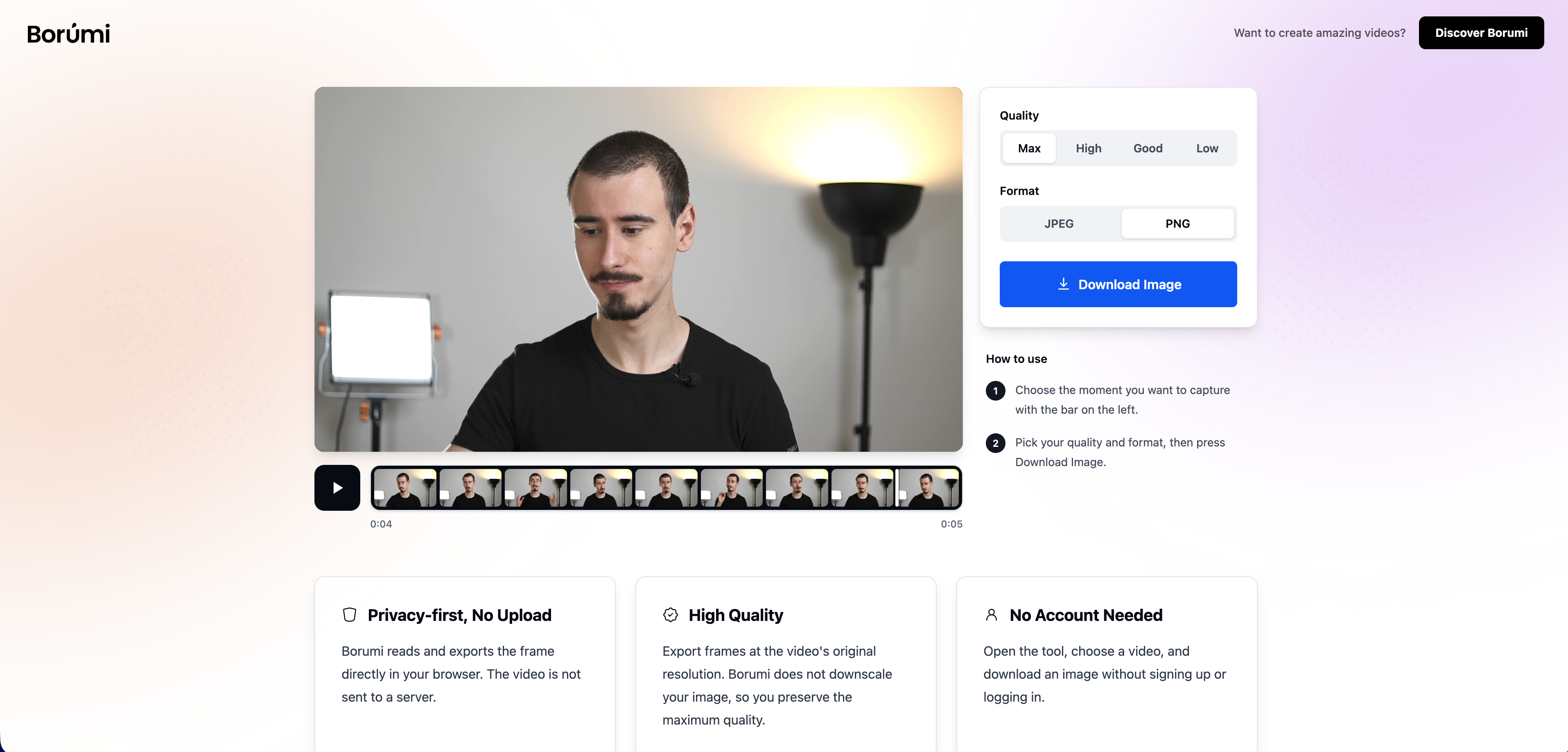
Link: borumi.com/tools/video/image-extractor/
Scrub through any video, pick a frame, and export it as PNG or JPEG at the video's native resolution with no quality loss. My main use case is YouTube thumbnails, but it works great for social media posts and design mockups too. Supports MP4, MOV, WebM, MKV, and AVI.
Video Frame Rate Checker
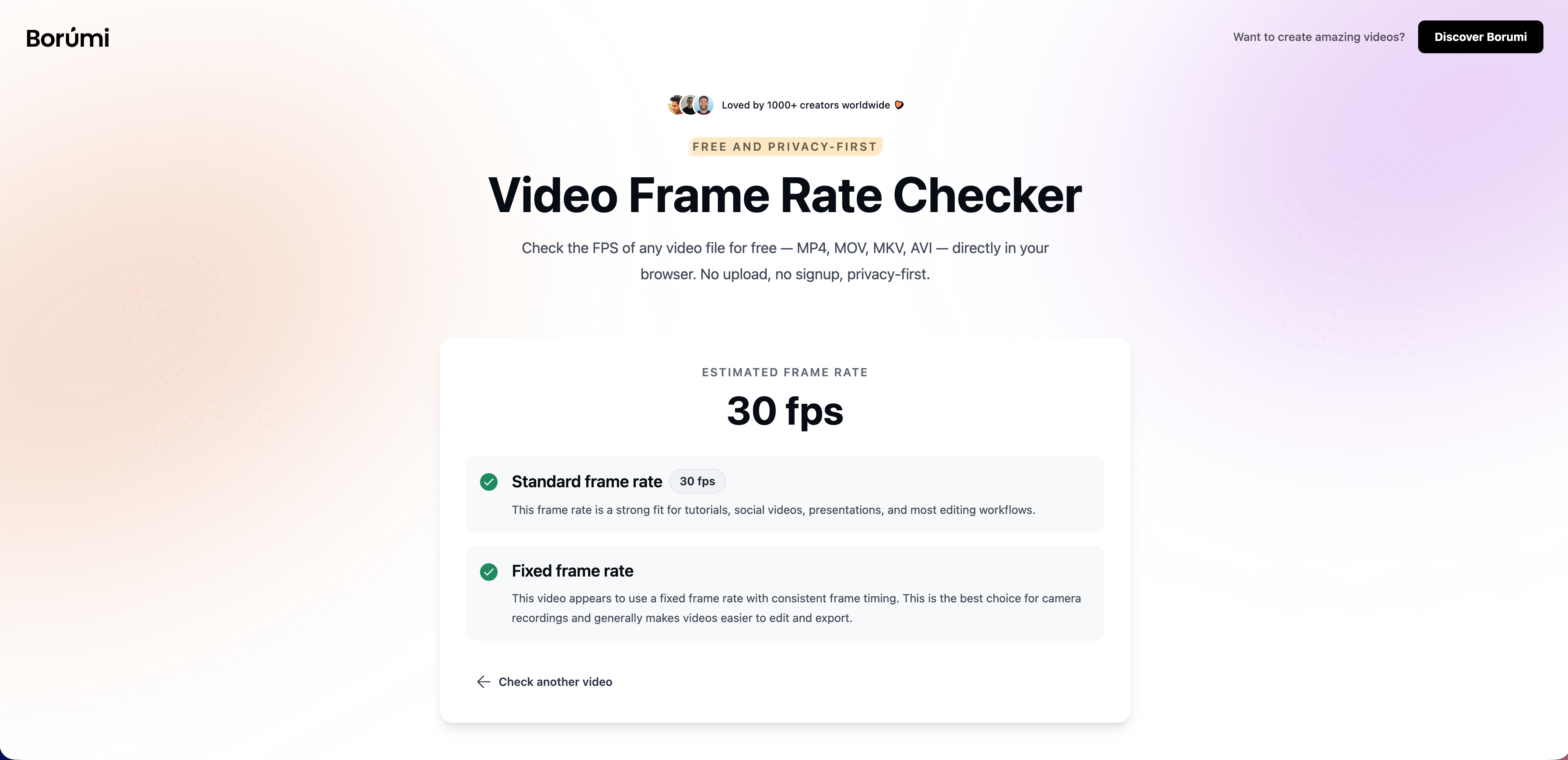
Link: borumi.com/tools/video/frame-rate-checker/
Drop a video and instantly see its frame rate. Useful when you need to confirm whether a recording came out at 30 or 60 fps before importing it into an editor, or before uploading to a platform with specific requirements.
Video Resolution Checker
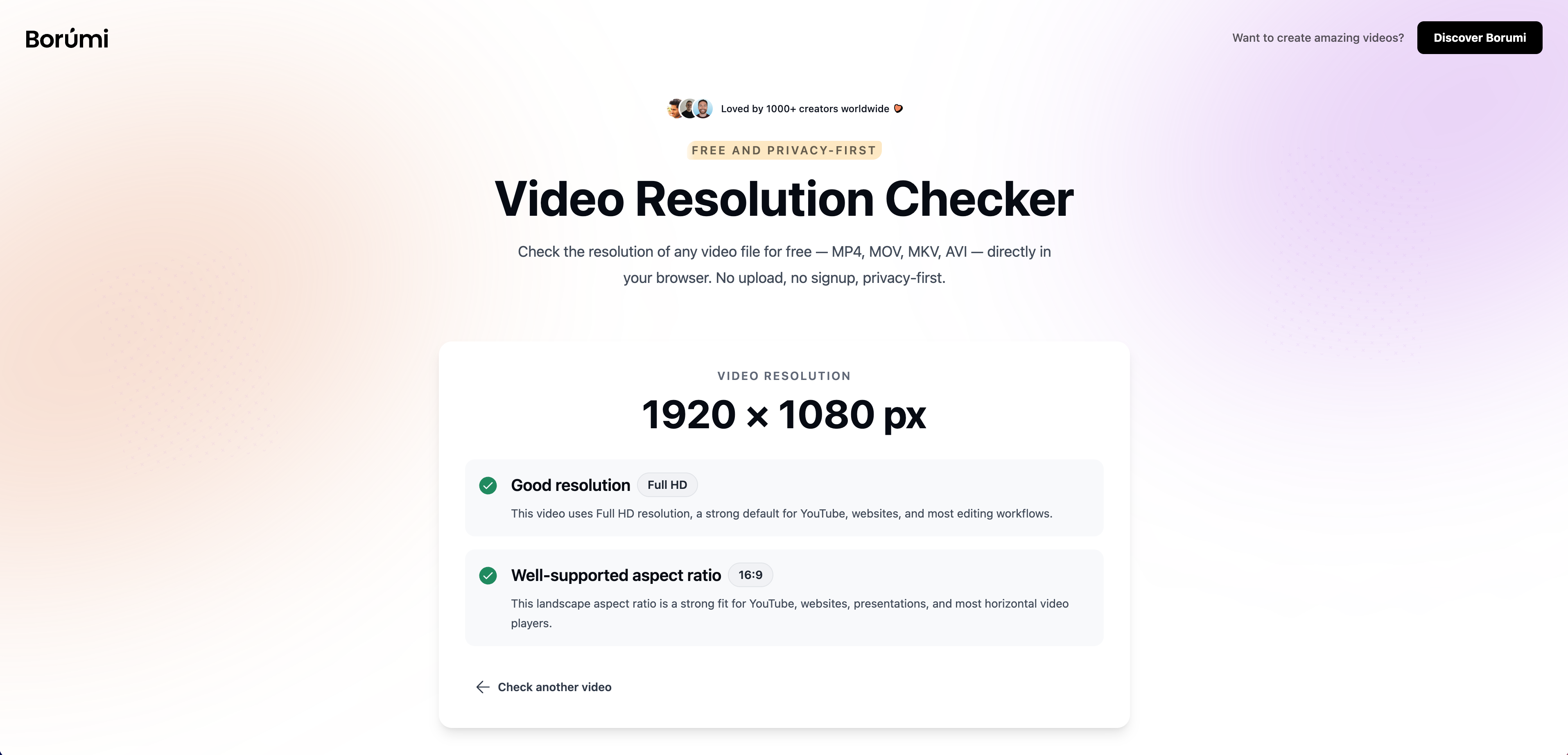
Link: borumi.com/tools/video/resolution-checker/
Shows width, height, quality label (1080p, 4K, etc.), and aspect ratio. A quick sanity check before uploading, especially with screen recordings where export settings can silently downscale things.
All tools are completely free and will stay that way. If you have suggestions, feel free to reach out.